Amber Phosphorus
A Linux Mint desktop theme paying homage to the warm, unmistakable glow of 1990s amber phosphor CRT monitors. From the terminal to the panel, every pixel carries that golden light.
The Phosphor Look
The Phosphor Glow
Before LCD panels, OLED, or e-ink — before screens were thin — computers spoke through light from excited electrons. The colour of that light depended entirely on which chemical coated the inside of the glass. Choose the right compound and you got amber: warm, golden, and alive in a way no flat-panel has ever quite matched.


How a phosphor CRT actually works
Inside every CRT monitor is an electron gun — a heated cathode that boils off electrons into a vacuum. Electromagnetic coils deflect that beam, steering it across the screen in a horizontal sweep, line by line, 50 or 60 times per second. When the beam strikes the inner face of the glass, it energises a compound called a phosphor. The phosphor absorbs that energy and re-emits it as visible light — a process called cathodoluminescence.
The compound determines the colour. P31 (zinc orthosilicate with manganese) glowed
green. P3 — zinc-beryllium-orthosilicate with manganese, Zn₈BeSi₅O₁₉:Mn — emitted
a warm orange-gold at roughly #FFB800, widely considered gentler on
the eyes under office fluorescent lighting than the cooler P31 green.
All phosphors have persistence — a brief afterglow as the excited compound returns to its ground state after the beam passes. P3 had medium persistence: fast-scrolling text left a ghostly warm smear before fading, as if the screen held a memory of the last few hundred milliseconds.
Simplified cross-section of a monochrome CRT. The electron gun fires a beam deflected by magnetic coils; where it strikes the phosphor layer, light is emitted.
Imagine arriving at your desk at 8am in 1985. You press the power switch on your terminal. There's a low hum as the transformer ramps up, a faint smell of warm electronics, and then a warm amber rectangle materialises as the tube heats up — text appearing character by character as the boot sequence runs. For the next eight hours you'll read that amber light. When you scroll, the old lines leave a momentary ghost: a warm smear that fades in a fraction of a second. The screen is slightly curved. Reflections bend. The room smells faintly of ozone. Modern monitors emit more light. They're sharper and higher contrast. But they don't feel alive in the way an amber phosphor screen did — lit from within, breathing slightly with each scan.
The phosphor palette
Amber was never the only option. The choice of phosphor was a real ergonomic and aesthetic decision — one that shaped how you experienced computing for years.
The default. The "green screen" that became synonymous with computer terminals worldwide. Cheaper and more widely available than amber. Found in most IBM 5151 monitors and DEC VT100 terminals. Beloved by hackers; fatiguing under harsh fluorescent office lighting.
The premium choice. Warmer than green and widely considered gentler on the eyes. Standard in dedicated word processing terminals from about 1982–1990. This theme is named for this compound. The USI Pi3 (1982) is a classic example.
High-contrast white. Used in professional desktop publishing and typesetting where black-on-white rendering accuracy was essential. The original Apple Macintosh 9" screen used a white phosphor. Cold and clinical, but the sharpest text of the era.
A cooler blue-tinted white used in DEC VT220 terminals and some IBM equipment. Distinctive in research labs and university computing centres of the 1980s. Less common than green or amber but immediately recognisable to anyone who spent time in academic computing.
A brief chronology
- 1973 IBM 3270 terminal Green P31 phosphor becomes the de facto standard for business computing. Tens of thousands installed across corporate America; the "green screen" era begins in earnest.
- 1977 Apple II launches Composite video output drives a market for dedicated monitors. Most users plug into a television set; aftermarket amber and green monitors begin to emerge from small manufacturers.
- 1981 IBM PC & the amber alternative IBM ships the 5151 green phosphor monitor. Third-party manufacturers immediately offer amber P3 alternatives. The amber-vs-green debate reaches the mainstream computing press.
- 1982 Amber monitor peak USI Pi3, Amdek, and a dozen other manufacturers offer 12" amber monitors for under $200. The P3 display is standard equipment in many offices, considered the ergonomic professional choice.
- 1984–85 Portable amber Amber plasma display panels appear in portable computers (GRiD Compass, early Compaq portables), bringing the amber aesthetic to mobile computing at extraordinary expense.
- 1987 VGA arrives IBM's VGA standard enables 256 colours at rapidly falling price points. Colour monitors begin their descent into affordability. The amber era's end begins.
- 1990 MPR II standard Sweden publishes the MPR II electromagnetic emissions standard — regulating VLF and ELF field outputs from monitors — the direct result of a decade of health concerns. Amber monitors are now a niche product.
- 1992 TCO'92 — end of the era The Swedish Confederation of Professional Employees publishes the first comprehensive VDT ergonomic standard. The last commercial amber CRT monitors leave production. In under 20 years, every glow had faded.
The radiation debate
As millions of office workers began spending entire workdays in front of VDTs in the early 1980s, genuine anxiety grew about what those screens might be doing. It was a reasonable question. These were devices that worked by firing beams of electrons at glass, and nobody had ever lived in a world full of them before.
What a CRT actually emits
- X-rays Generated when electrons strike the phosphor. The thick lead-glass faceplate absorbs almost all of it. Government surveys of 91 units (1975–1980) found X-ray emissions at 1/50th of UK household television standards under normal operating conditions.
- VLF fields (10–100 kHz) From the horizontal deflection circuits that steer the electron beam across the screen line by line.
- ELF fields (50–60 Hz) From the power supply and vertical scan circuitry — the same frequency as mains electricity.
- Ultraviolet Measured at approximately 1/10,000th of occupational exposure limits.
- Infrared & visible light Well within all safety thresholds. The screen is, by design, a source of visible light.
The fear
Starting around 1980, workplace clusters of miscarriages and birth defects were reported among VDT operators — at the Defence Logistics Agency (1979), The Toronto Star newsroom (1980), and several other offices. These made headlines. The US CDC and the Army Environmental Hygiene Agency both investigated and concluded VDT exposure was unlikely to be causal — the apparent clusters were statistical coincidences amplified by the grouping of similar sedentary workers in the same space.
Concerns about cataracts, immune suppression, and leukemia circulated throughout the 1980s occupational health literature. A 1981 NIOSH survey of 34 VDT models found all measured emissions "well below accepted occupational and environmental health and safety standard limits." No controlled study confirmed any of the feared harms at normal working distances.
The legacy that actually mattered
The VDT controversy, despite failing to identify a confirmed radiation harm, produced real and lasting improvements. Swedish trade union pressure led directly to MPR II (1990) and TCO'92, which mandated low-emission circuitry, anti-glare coatings, adjustable stands, and screen refresh rates above visible flicker. Regular screen breaks became formalised workplace policy. Ergonomic keyboard design gained serious research funding.
Every time you adjust your monitor height, take a break to look out a window, or work in a properly lit room — you're benefiting from a decade of anxious office workers, Swedish engineers, and occupational health researchers who took the question seriously even when the answer turned out to be less alarming than feared.
Wallpaper Collection
Six original wallpapers for your Amber Linux desktop — all SVG, all scalable to any resolution. Right-click any thumbnail to save, or use the download links below each.
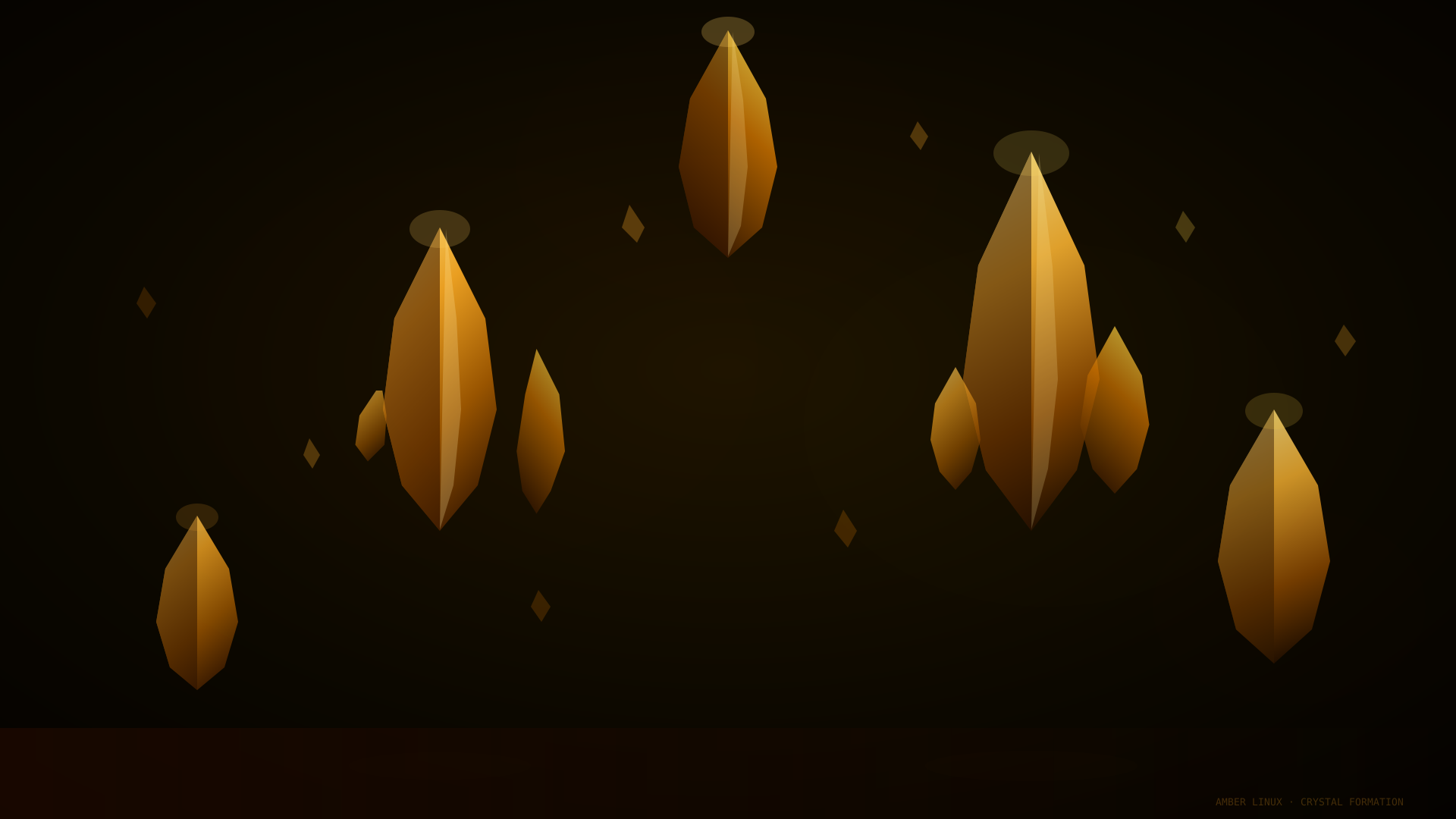
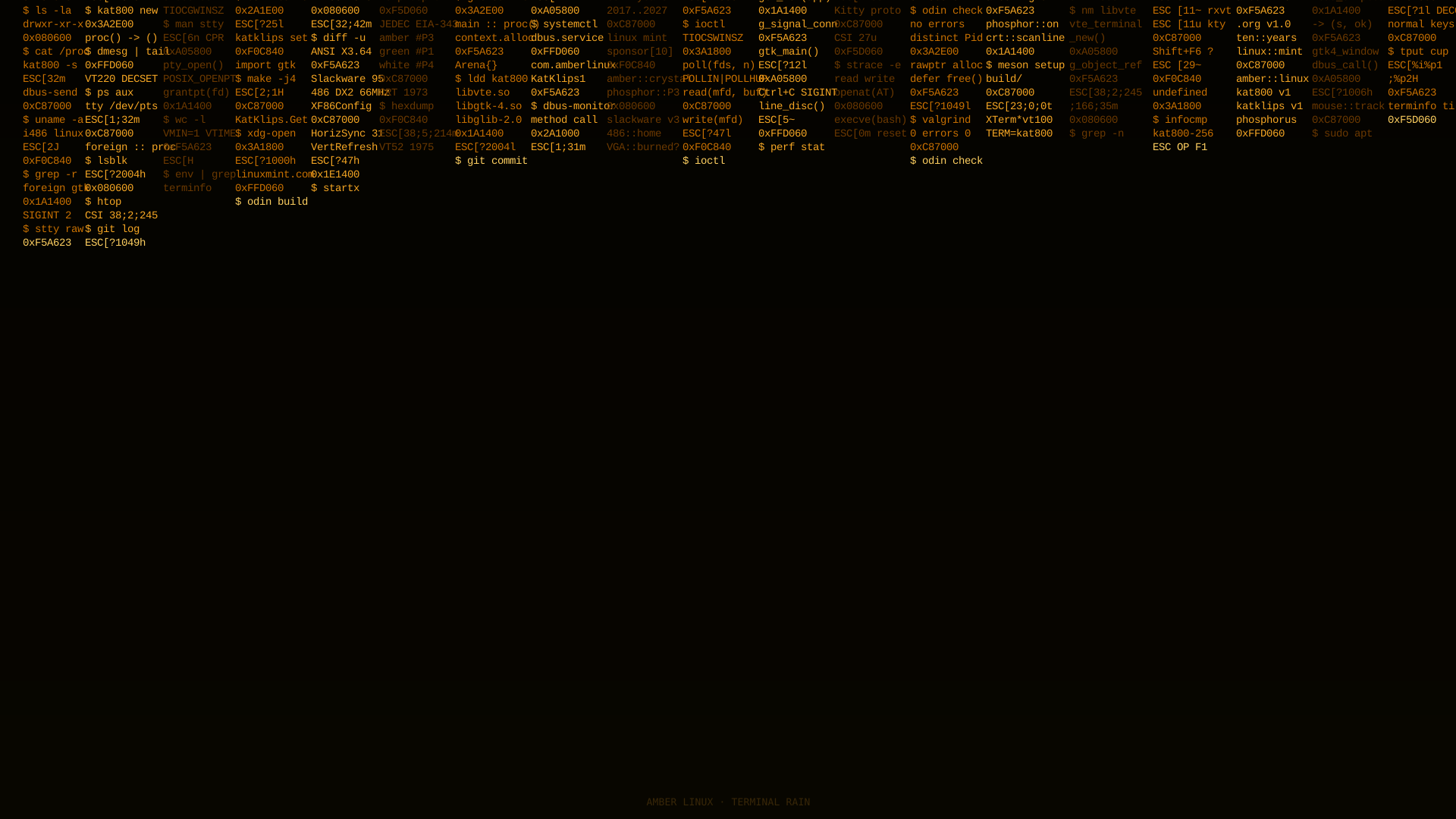
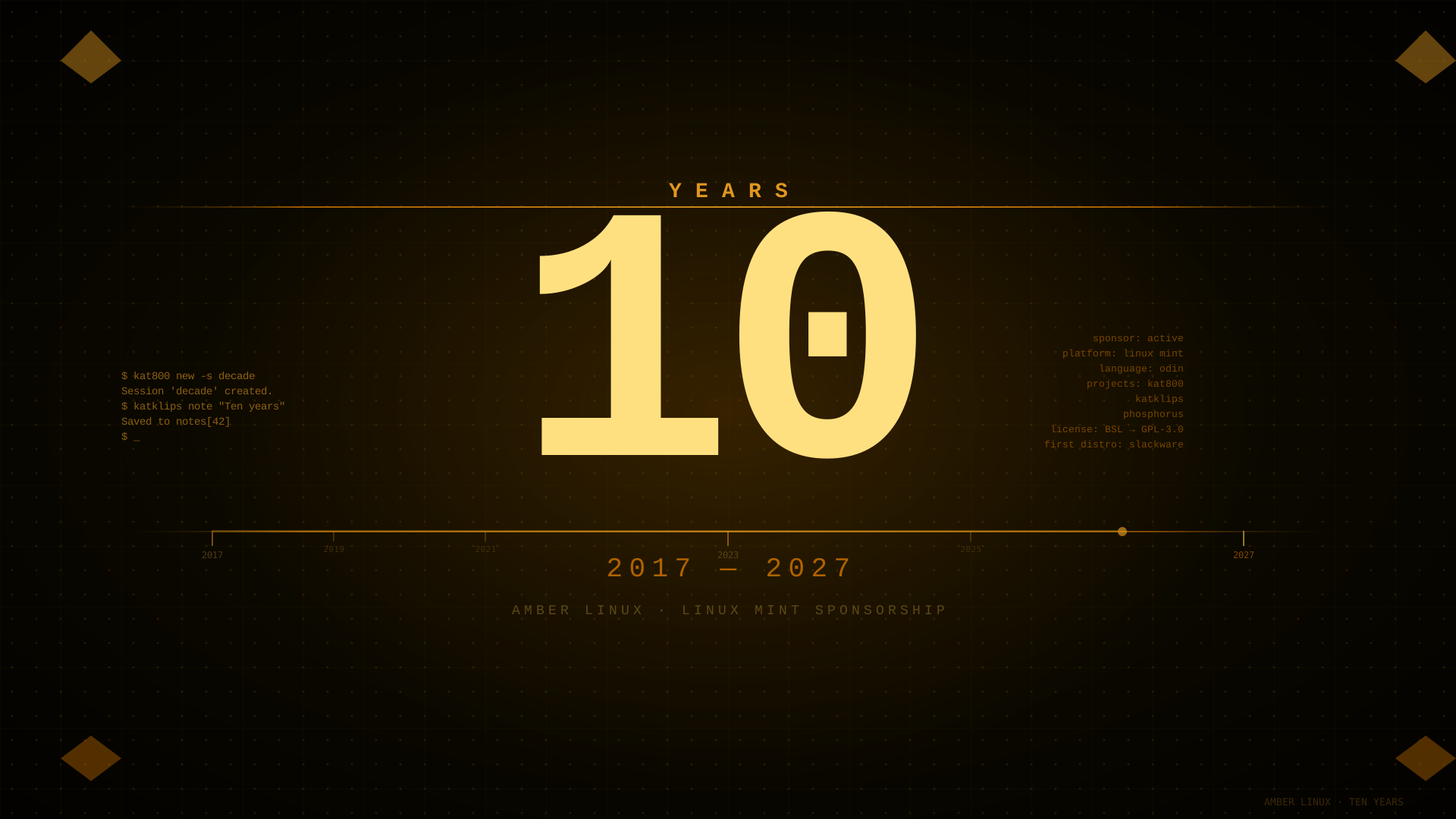
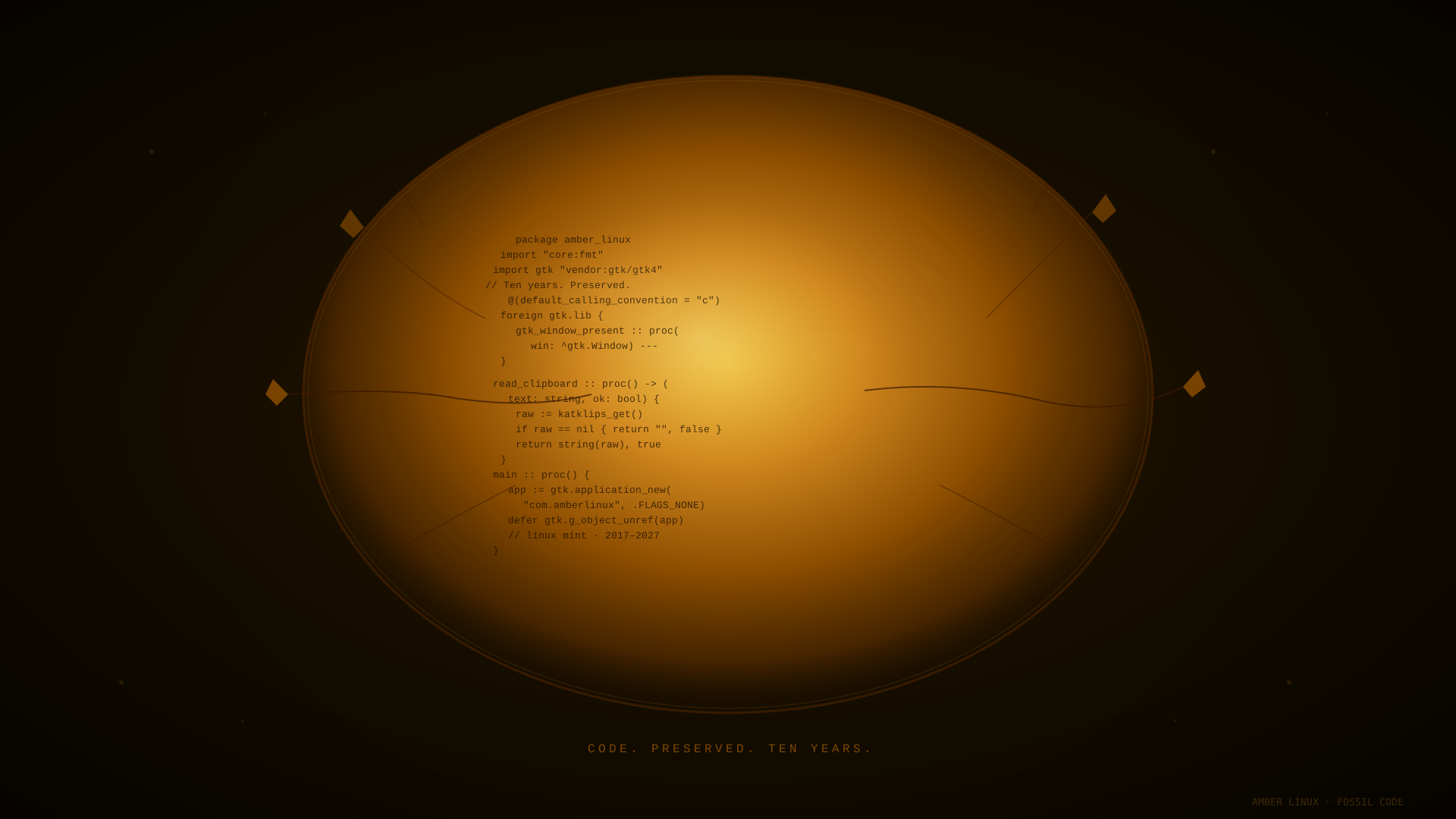
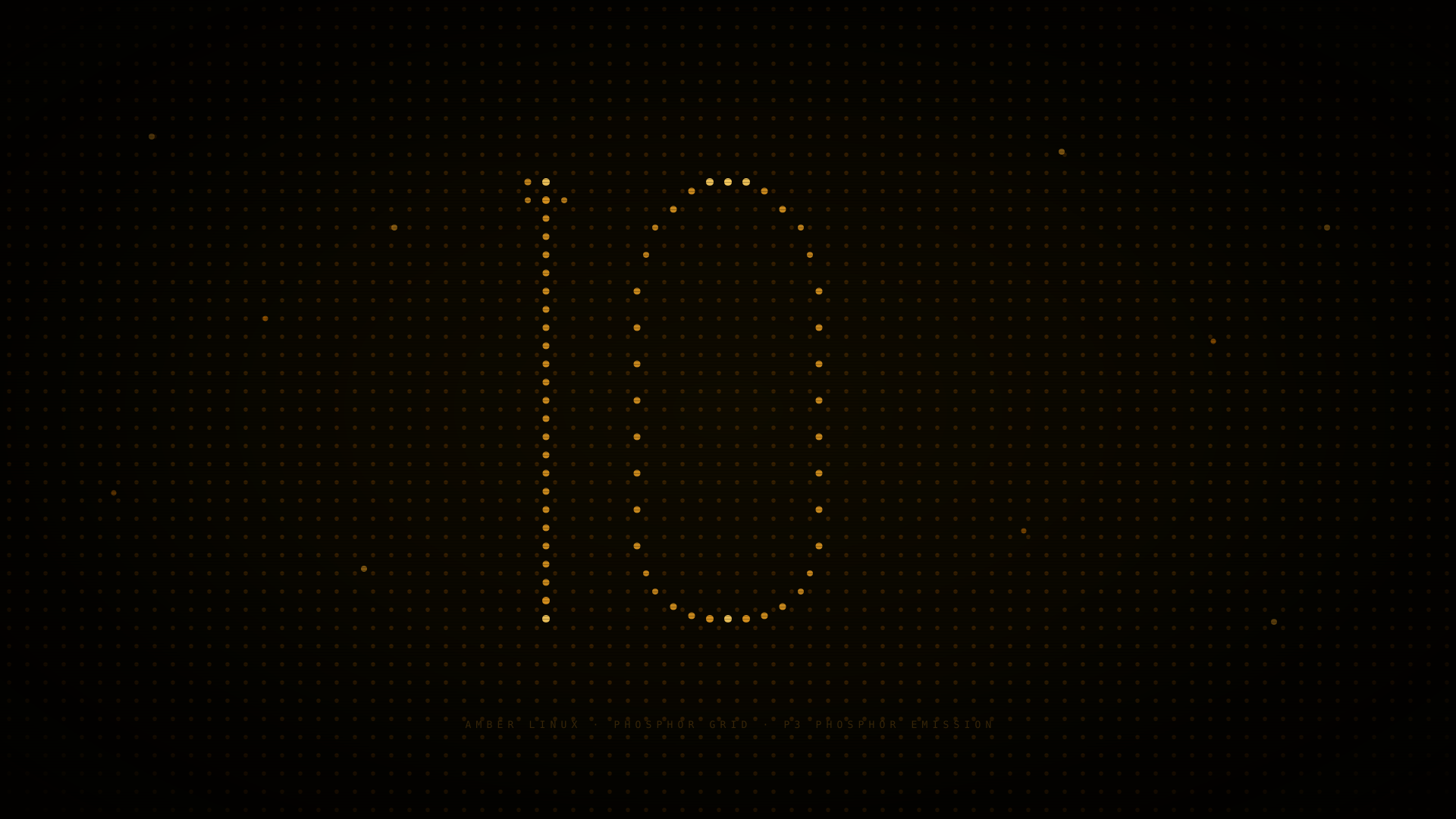
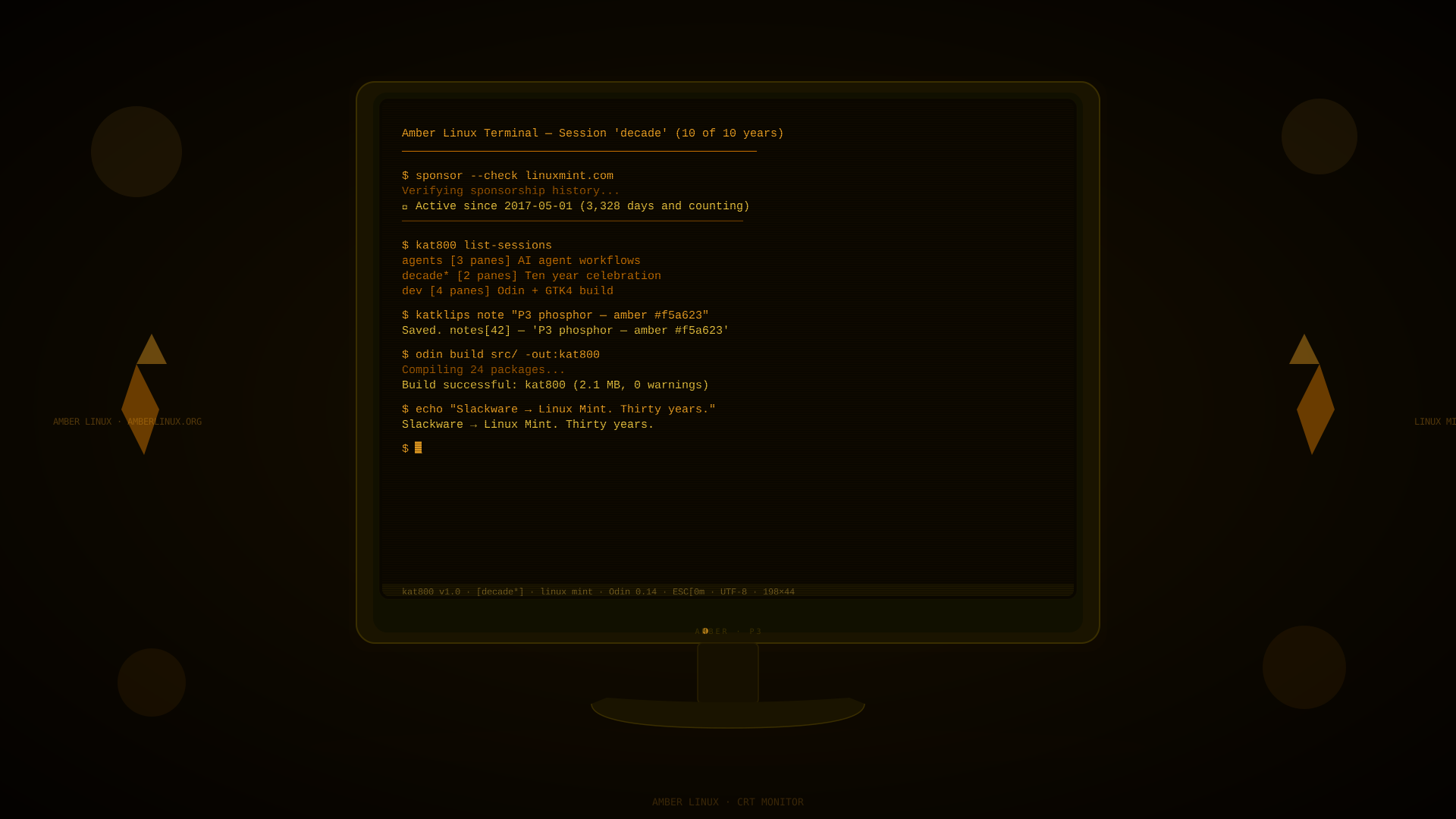
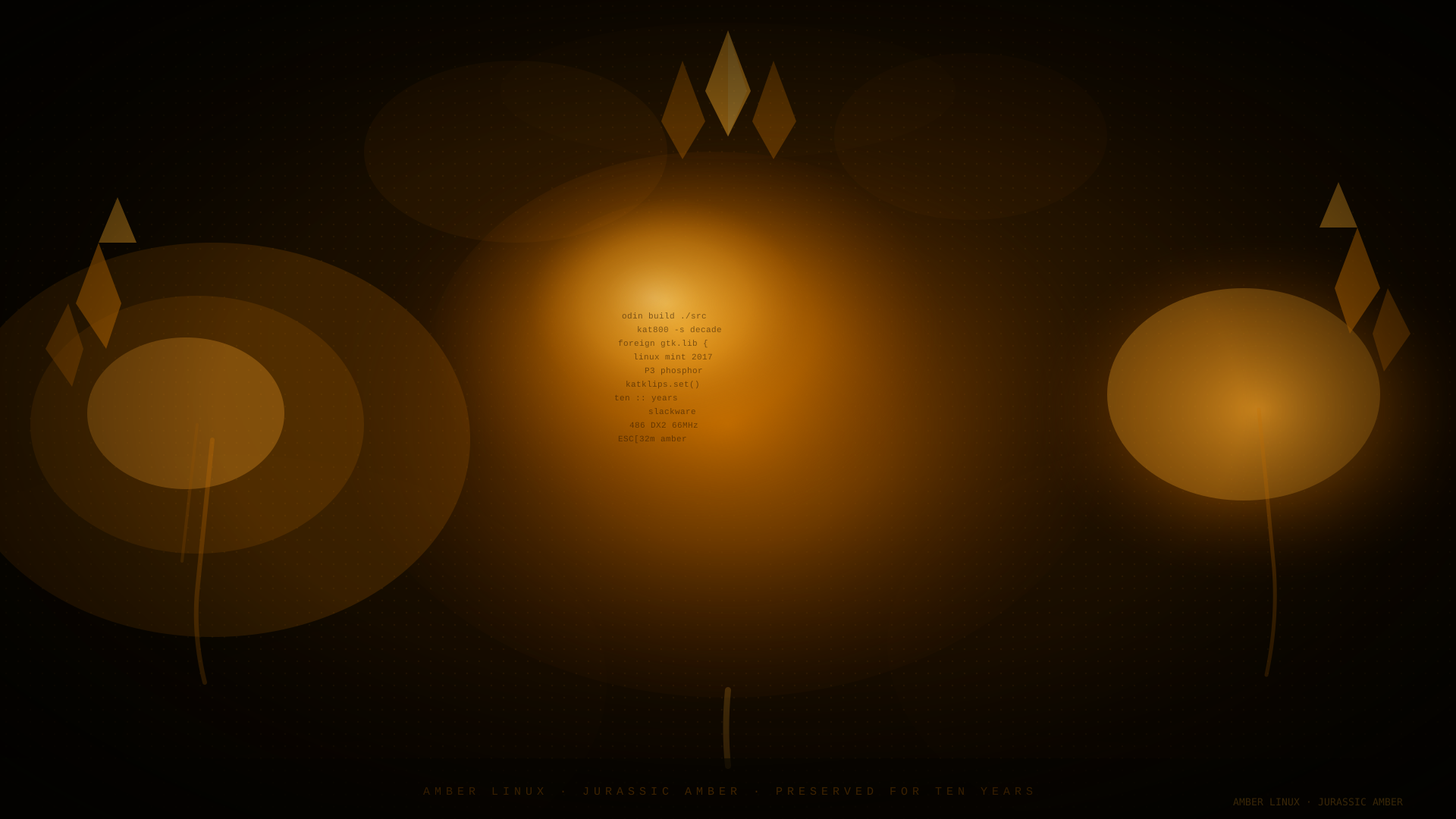
All wallpapers are SVG — scale to any display resolution without quality loss. Works on 1080p, 4K, ultrawide, and HiDPI displays. Open in a browser to see animated variants (Terminal Rain has animated falling columns).
Colour Palette
Every shade is sourced from the phosphor emission curve of a real P3 amber CRT phosphor coating.
#f5d060 Primary text #c87000 Accent / active #8a5000 Muted / inactive #080600 Background #1a1600 Surface / panel #f5a62330 Highlight / hover Installation
# Install via apt
sudo apt install amber-phosphorus-theme

# Or from the Cinnamon Spices store (recommended)
# System Settings → Themes → Get More Online → search "Amber Phosphorus"

# Manual install (GTK themes dir)
git clone https://github.com/Hyperquader-Coders/amber-phosphorus ~/.themes/AmberPhosphorus
gsettings set org.cinnamon.desktop.interface gtk-theme 'AmberPhosphorus'
gsettings set org.cinnamon.theme name 'AmberPhosphorus'

# Apply the icon pack
gsettings set org.cinnamon.desktop.interface icon-theme 'Faenza-Phosphorus'
What's Included
- GTK 3 & GTK 4 theme
- Metacity / Muffin window decorations
- Cinnamon desktop shell theme
- Icon set (Faenza-Phosphorus)
- GNOME Terminal / Kat800 colour scheme
- Cursor theme (amber beam)
- Wallpaper collection