Amber Theme
Five desktop profiles for Linux Mint, led by a dark amber one after the phosphor monitors of the 1980s, each made for GTK 3, GTK 4, libadwaita, the Cinnamon panel and the window borders, with folder icons and ten wallpapers.
- Status
- Complete
- Package
- amber-theme
- Licence
- GPL-3.0-or-later
- Built with
- CinnamonGTK 3GTK 4libadwaita
- Part of
- Amber Linux
- Source
- amber-themeMost are private for now; access is free on request.
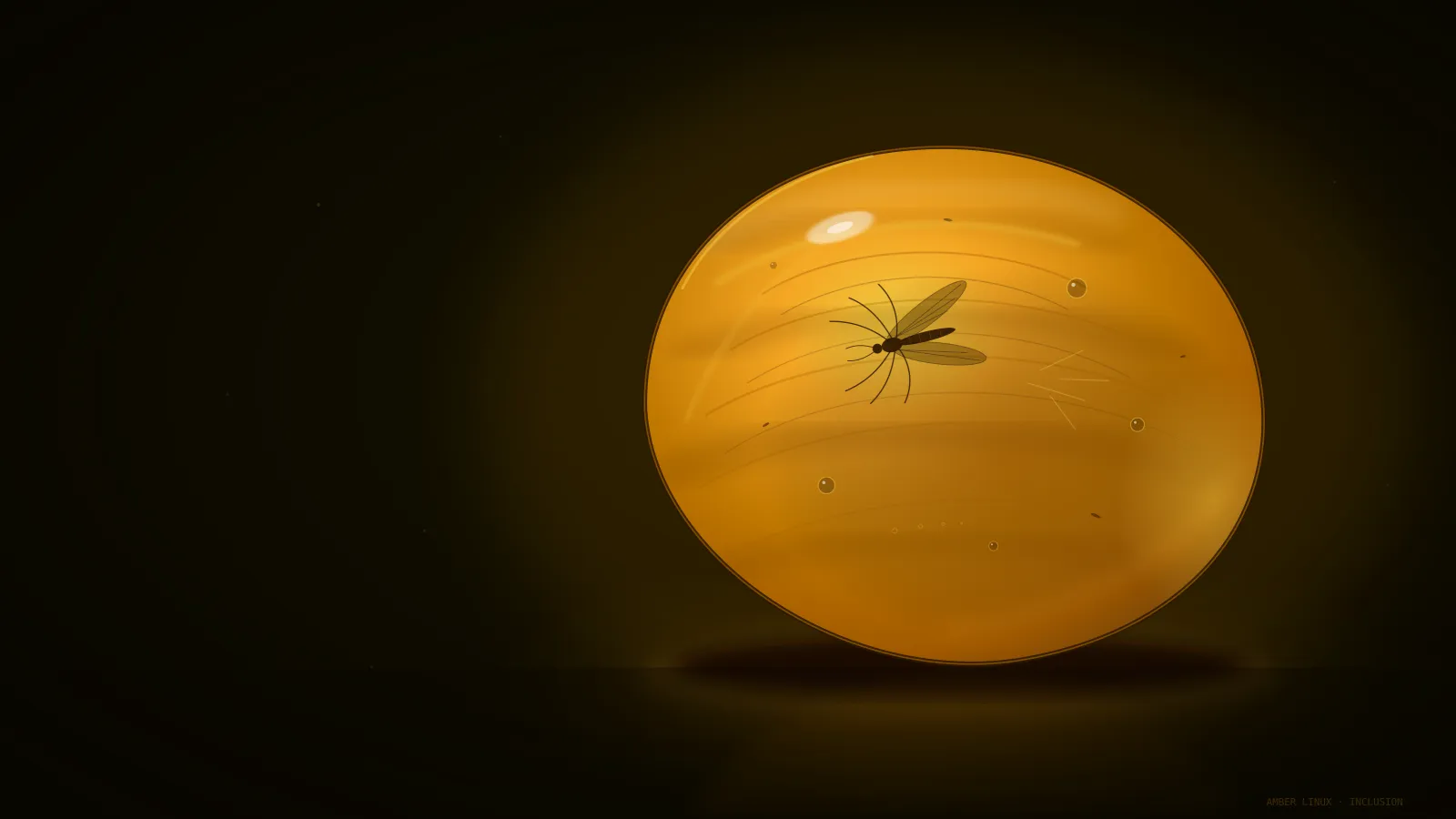
Amber Theme turns a Mint desktop into an amber monitor. phosphorus, the main
profile, is the dark one: warm amber text on a near-black screen, the colours
of the monochrome terminals of the 1980s. Four more profiles share its shape:
Amber-Light, a light amber one, and Amber-Kat800, Amber-Katai and Amber-Mint
in the colours of kat800, Katai and Mint.
Each profile covers the whole desktop:
- GTK 3, GTK 4 and libadwaita applications
- the Cinnamon panel and menus
- window borders, for Muffin and Metacity
- folder icons in Mint-Y and Yaru shapes, with emblem folders for Code,
Projects and
.kat800 - ten wallpapers, including the one above, in Cinnamon’s Backgrounds picker
Built from seven colours
A profile is seven colours. Everything else is derived from them and applied to unmodified copies of Mint-Y-Dark-Grey, so a theme stays in step with Mint’s own. The build refuses a profile whose selected text falls below a contrast of 4.5 to 1.
Pick it in System Settings under Themes once it is installed. The history of the amber monitor behind the colours has a page of its own.
Themes from books
A theme can also come from an .acue book. Four
times a day, at the book’s four times of day (morning, lunch, afternoon and
evening), the desktop changes its colours and its background. The background
shows that time of day’s pictures in order, fading from one to the next: a
four-hour morning with 24 pictures changes every ten minutes. Add a winter book
or a summer book, pick one of its themes, and the desktop follows it.
A book carries its themes in a themes/ folder, one small TOML file each, and
one book can carry several. A theme sets only the profile’s seven colours, for
the whole day or for one time of day, and a colour it leaves out keeps the
profile’s own. The packaged themes are never changed: the theme is applied as
a copy in your home folder.
name = "Paris, dark"

[colours]
accent = "#e0a030"

[evening]
times = "18:00-22:00"
bg    = "#24324a"
Only a book with a valid theme can be chosen; a book without one is not a
theme. A theme with an error is not offered, and the error names its line and
column. To try colours out, put a theme file beside its book; when it is right,
acue --theme add paris.acue dark.toml writes it into the book.
Install
Once the Amber Linux archive is set up (it takes three commands, on the packages page):
sudo apt install amber-theme