kat800
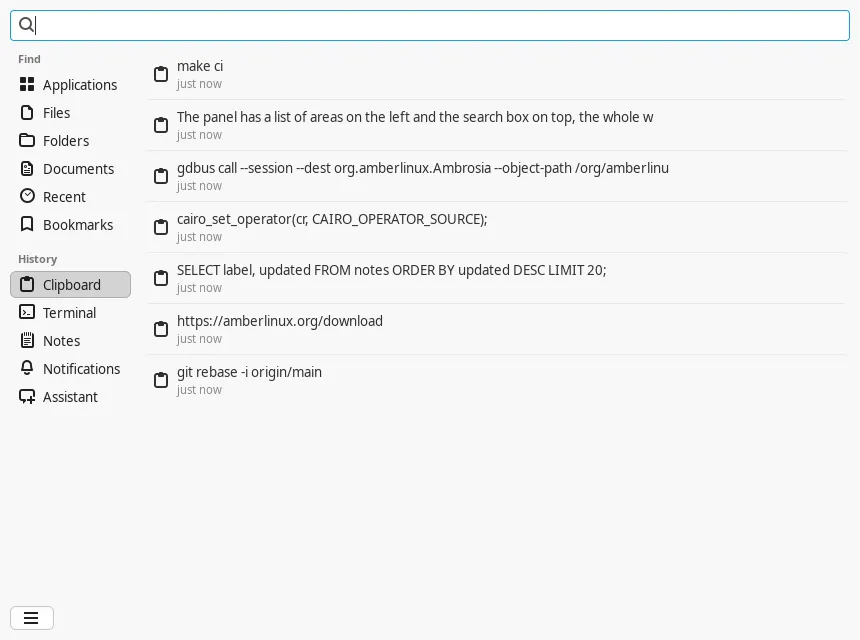
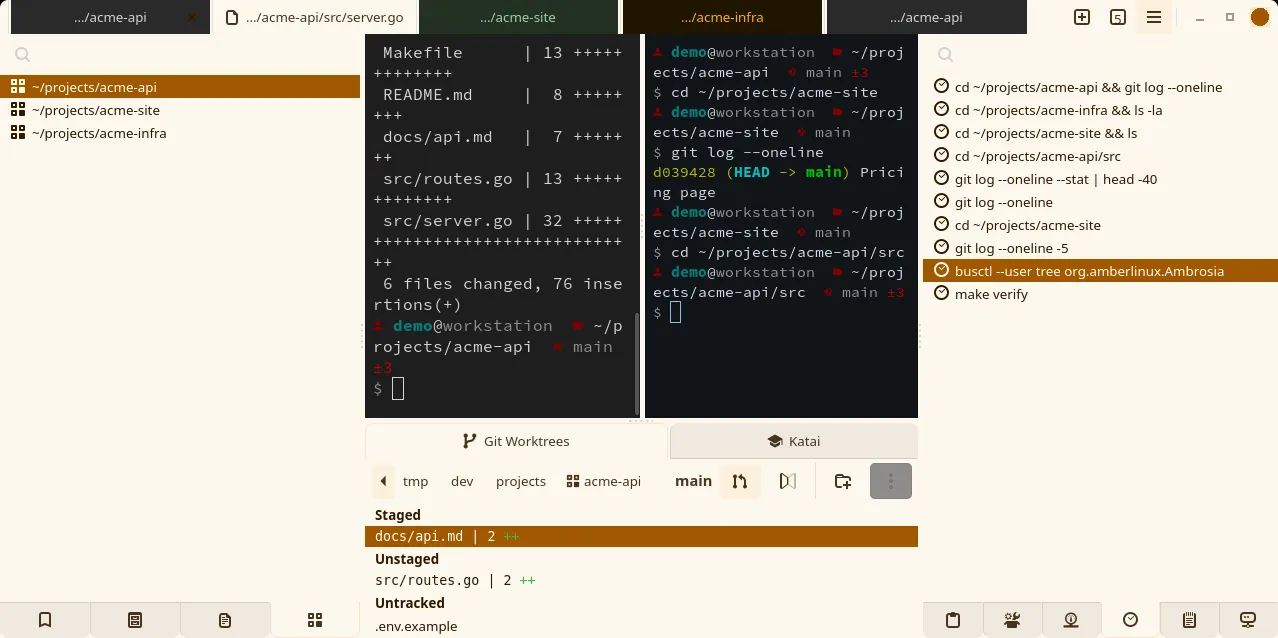
TerminalA tabbed, dockable terminal for Linux Mint, with a current VTE, remote tmux sessions as native tabs, containers and sandboxes as ordinary panes, and the desktop's clipboard, history and notes in docks beside the shells.
Everything in Amber Linux, in three groups: the applications for Linux Mint, Amberlin, the assistant they share, and Acue, the tools that turn story files into pictures and narration. Each card opens the project's page: what it does, where it stands, and how to get it.
Amber Linux is a set of applications for Linux Mint, installed from one signed APT archive. It is not a distribution: Mint stays Mint. Where a program needs a newer library than Mint ships, such as GTK 4.16, it brings its own copy in a folder of its own, so nothing else on the system changes.
The suite is everything in Amberlin AI below, plus a terminal, an image viewer that is also a comic reader, the house fonts, and a theme that turns the desktop into an amber monitor from the 1980s. The dashboard that turns story files into pictures and narration is in Acue, with the tools around it.
A tabbed, dockable terminal for Linux Mint, with a current VTE, remote tmux sessions as native tabs, containers and sandboxes as ordinary panes, and the desktop's clipboard, history and notes in docks beside the shells.
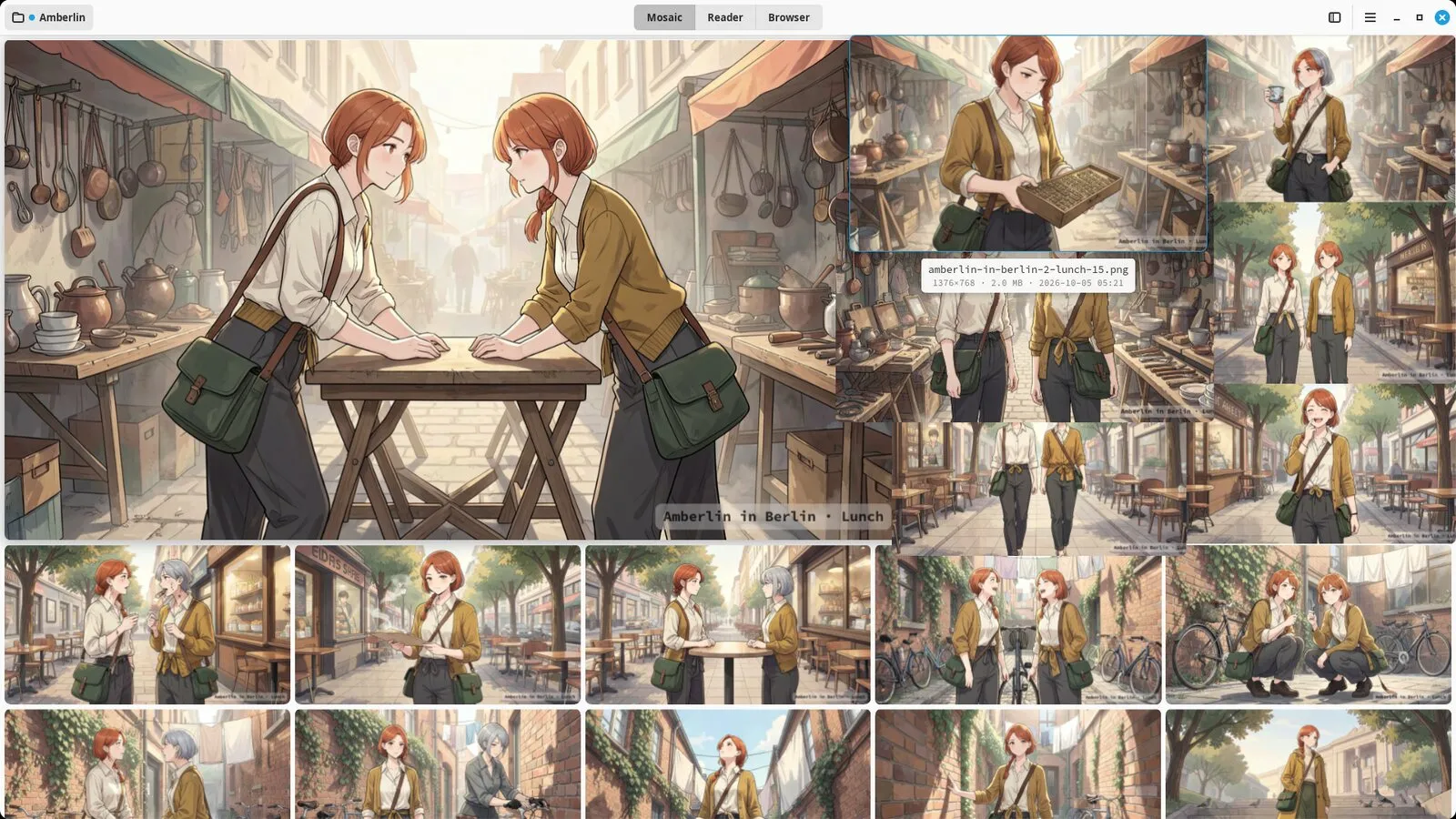
An image viewer for one folder at a time: the newest picture large, the rest in justified rows around it, a comic reader, photo books made from a folder, and a small browser that saves a page's pictures as a comic book.
Five desktop profiles for Linux Mint, led by a dark amber one after the phosphor monitors of the 1980s, each made for GTK 3, GTK 4, libadwaita, the Cinnamon panel and the window borders, with folder icons and ten wallpapers.
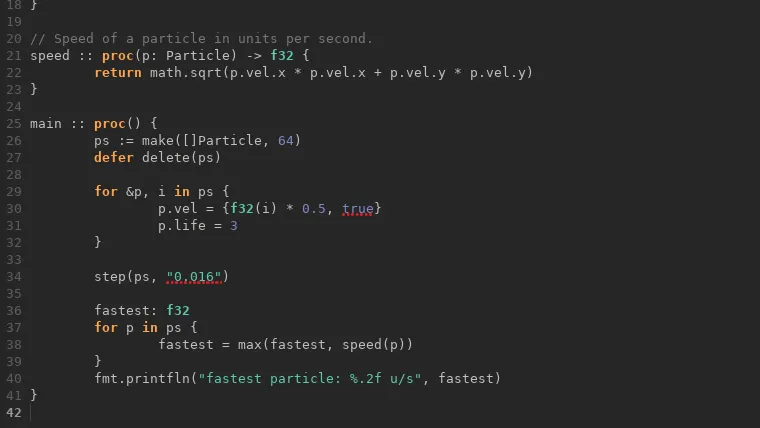
A small GTK 4 code editor that is a test bed, not a product: editor features are proven here before they reach kat800, and so is shipping Odin software as a Flatpak.
What the applications stand on: a current GTK, VTE and glycin kept in folders of their own, the house fonts, and the Odin compiler, packaged once so every application can share them.
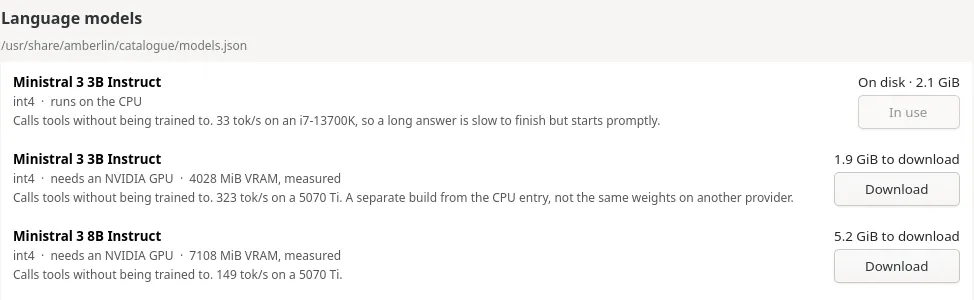
Amberlin is an assistant for the whole desktop. Hold a key, ask out loud, and the answer is spoken back and laid out as notes on the screen. Listening and speaking always run on your own machine. The language model runs there too, on the CPU or the graphics card, unless you choose a server of your own or a hosted one instead.
The overlay is one of three programs that talk to the same broker on the session bus. Katai, the panel in kat800, and the terminal chat elektron are the other two, and any application can ask the broker the same way. Ambrosia keeps what you copy, run and open, and Copal lays it across the screen at a keypress. Around them sit a tool server that lets the model look things up instead of guessing, a calendar service, a settings window and the inspector. The speech models, the training pipeline and amberlin.ai support the suite without being part of it.
The service at the centre of Amberlin: it holds the speech and language models once, for every application that wants an assistant, and decides who answers.
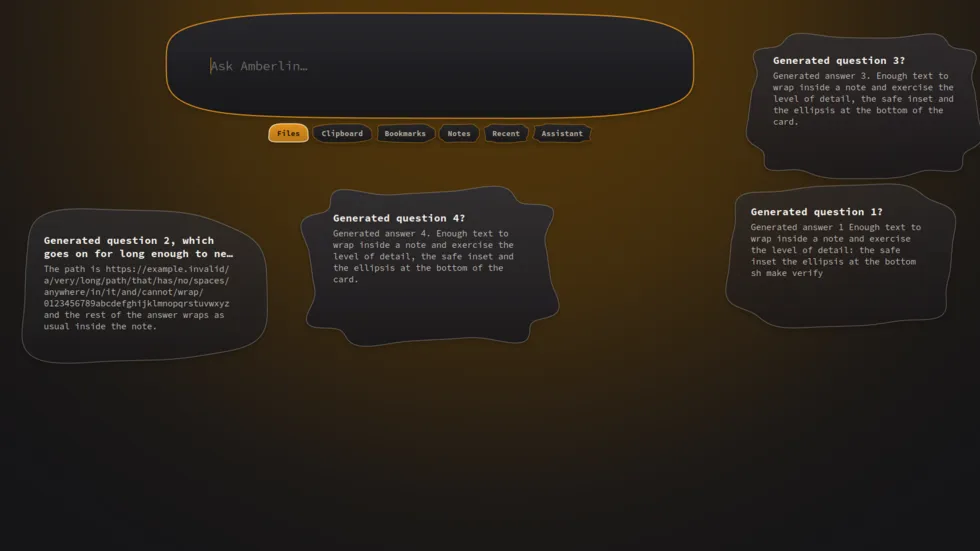
Hold a key, ask out loud, and the answer is spoken back and laid out on the screen as notes. A speech-first assistant for the Mint desktop, with its models on your own machine.
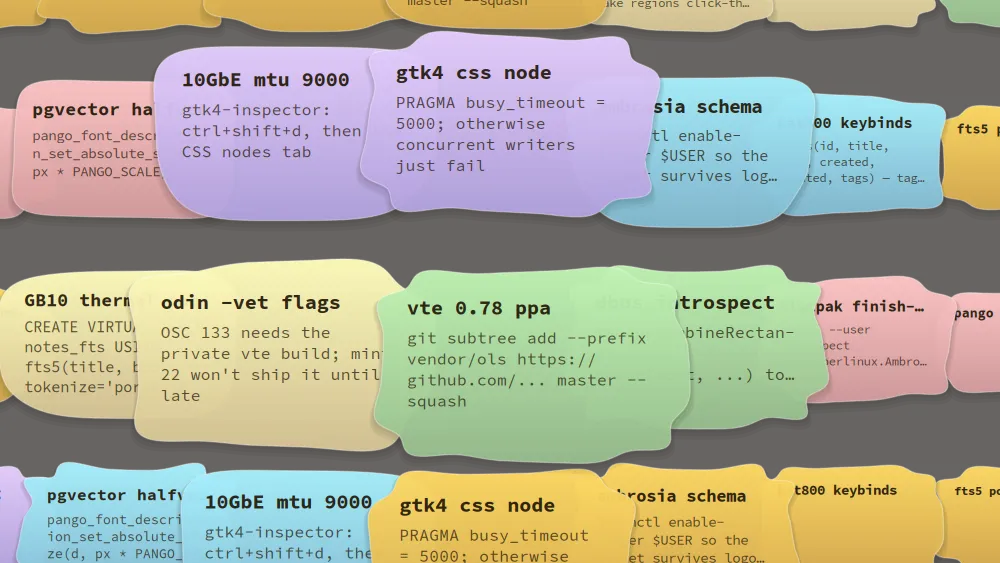
The desktop overlay: one keypress lays your newest notes, bookmarks and clips from Ambrosia across the screen, magnified under the pointer, and searchable.
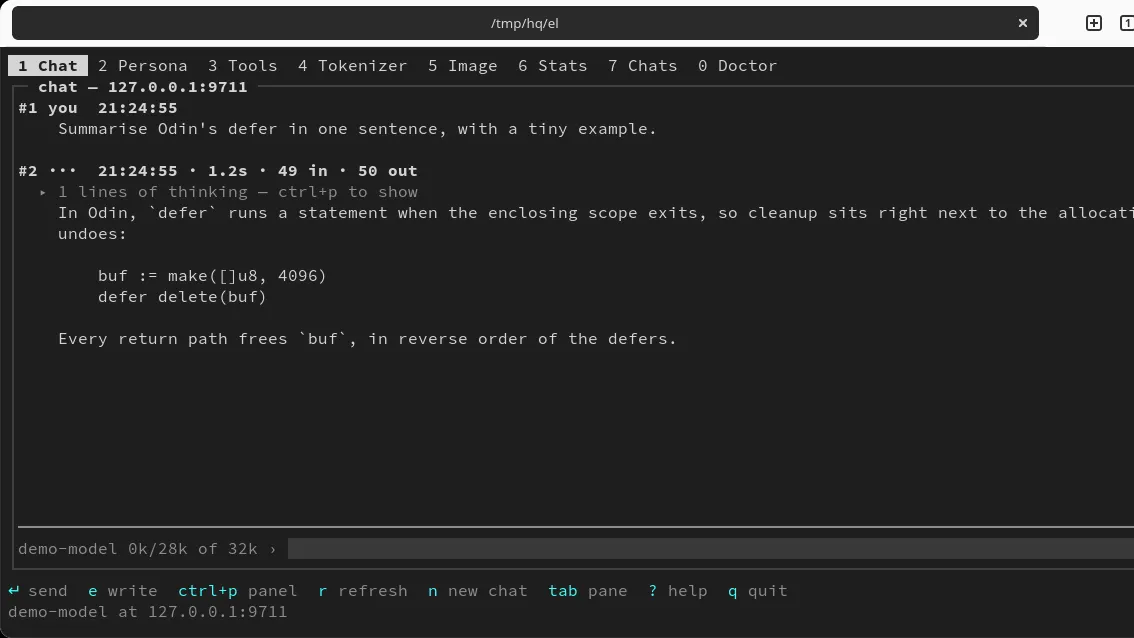
Amberlin's chat at a terminal prompt, with a persona of its own and panes for tools, tokens and pictures.
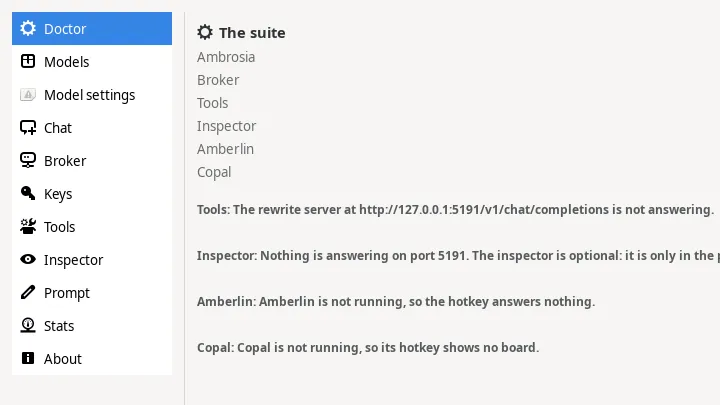
One settings window for the suite. A page appears for each program you have installed: Ambrosia, the kat800 terminal, Amberlin and its services. It keeps no configuration of its own.
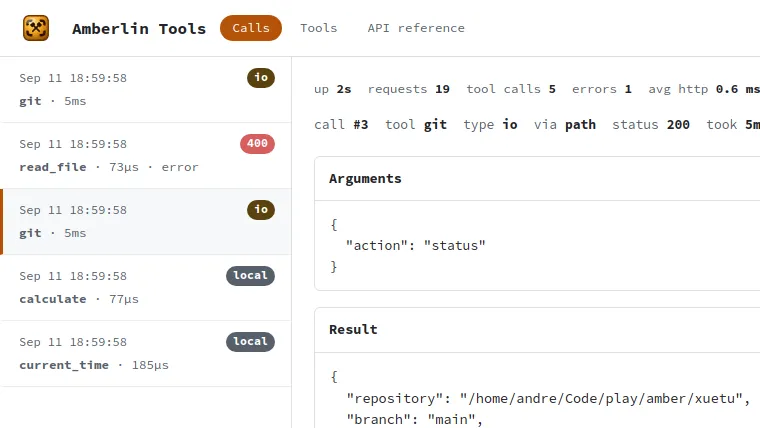
A local tool server that gives the language model real facts instead of letting it guess: the time, the disks, the processes, your files and notes, the weather.
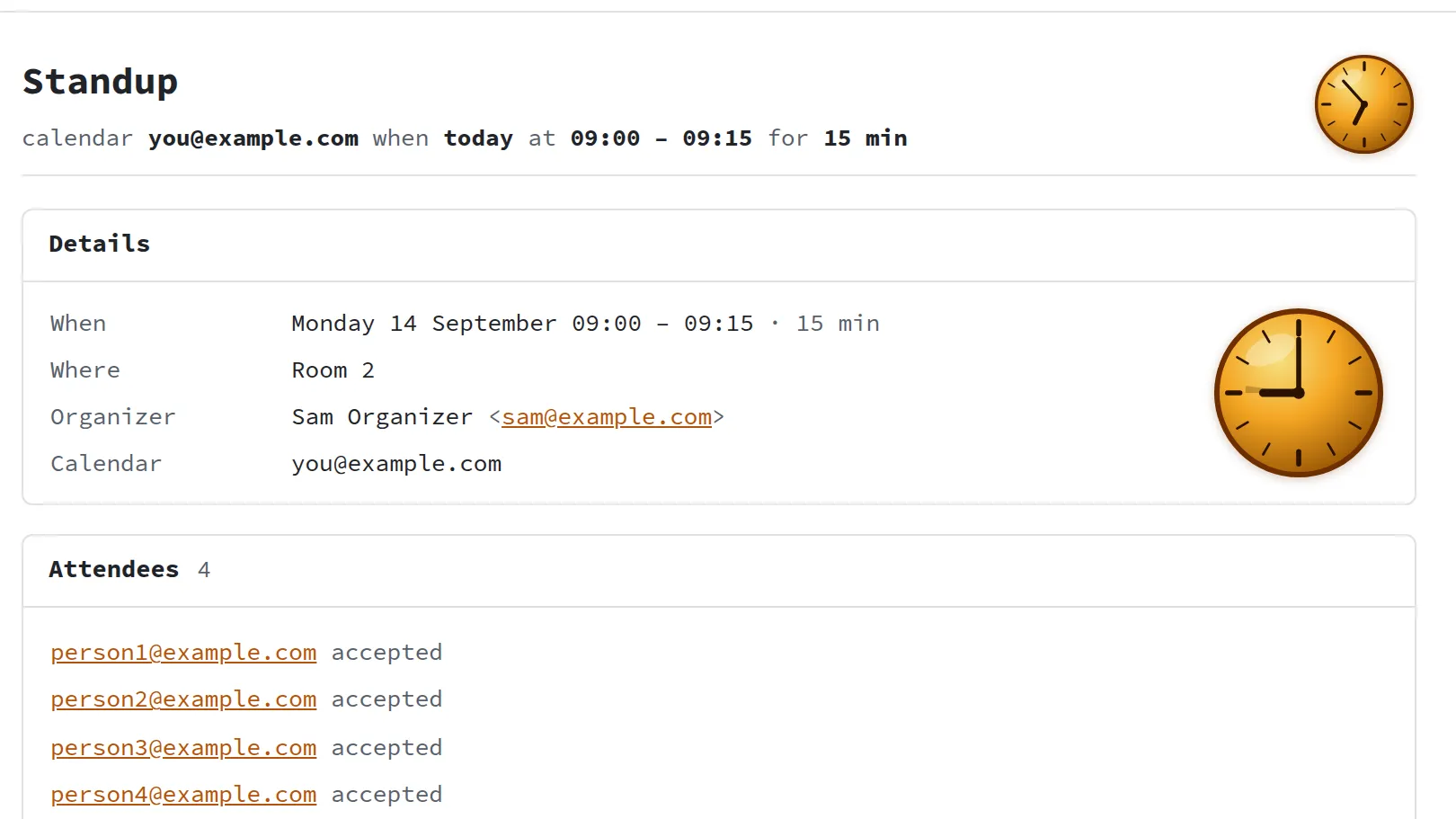
Your Google Calendar on the session bus, read and written with the account GNOME already holds: no sign-in flow of its own, no Cloud project, no token to look after.
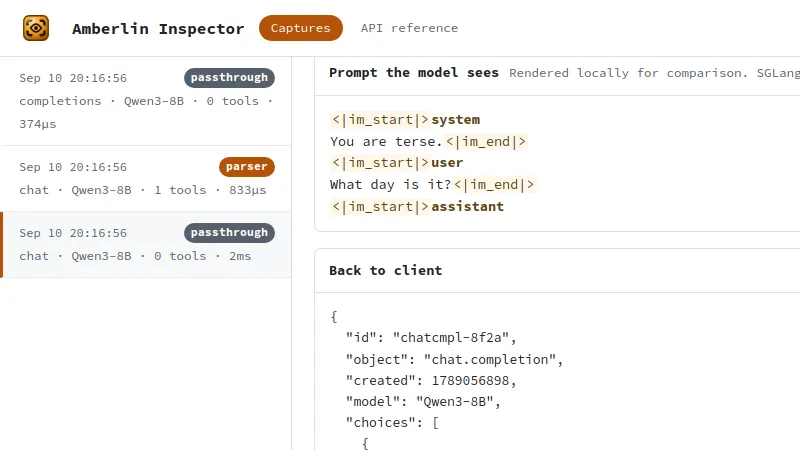
A proxy for developers that sits between a program and a model server and records what went in and what came out: the request, the prompt, the raw output, the timings and token counts.
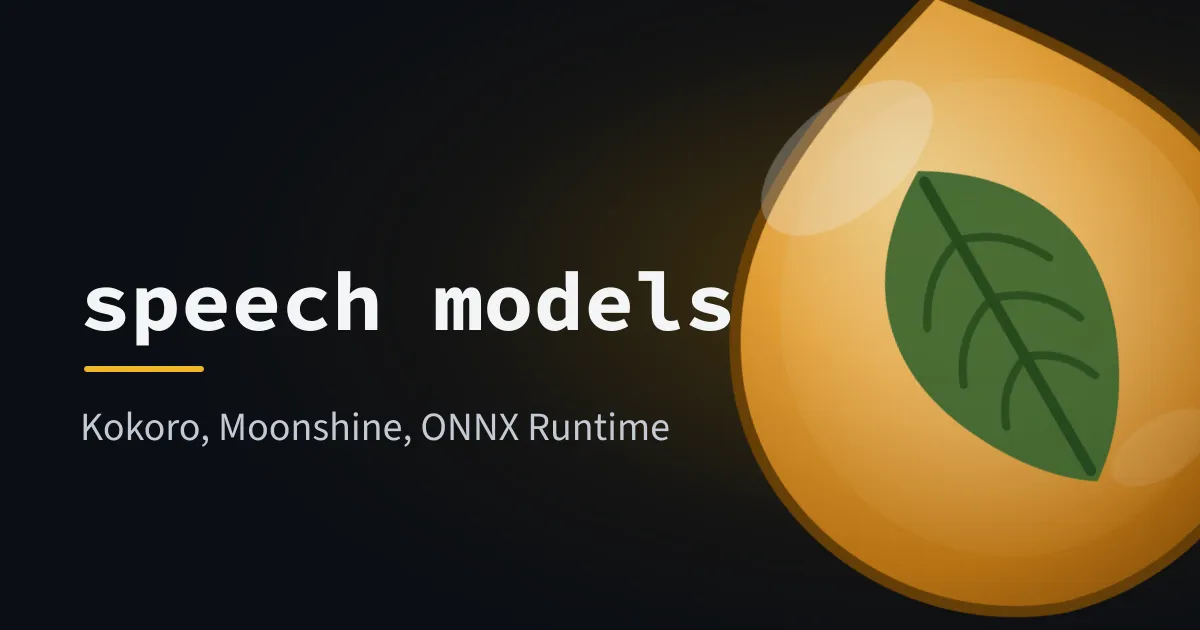
Kokoro and its 64 voices, Moonshine, and ONNX Runtime for the CPU or an NVIDIA card, as Debian packages that the broker brings in with it.
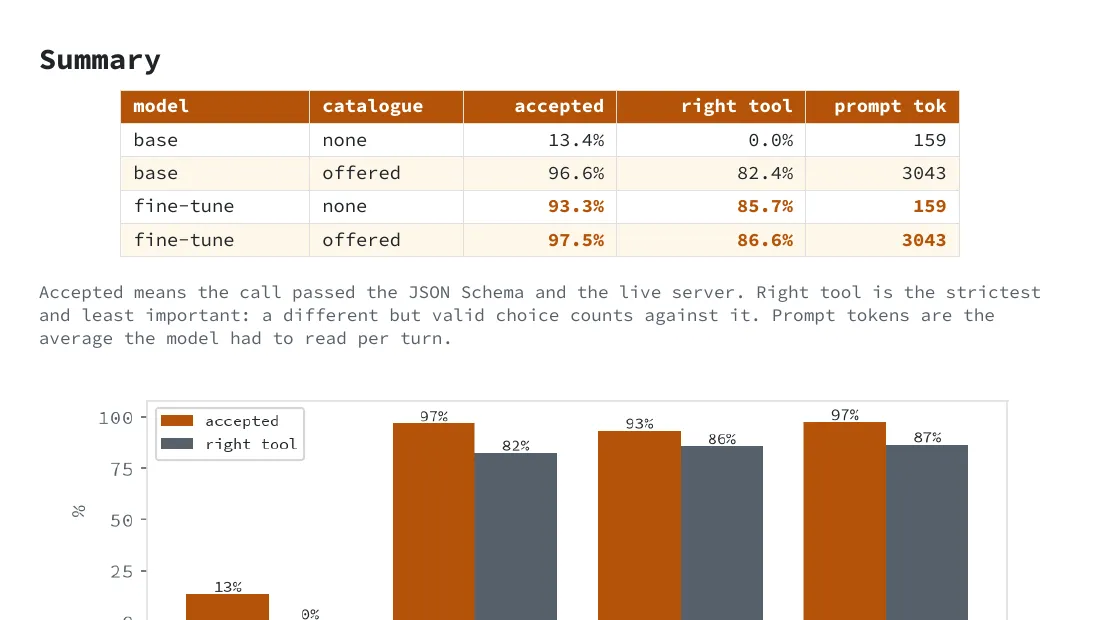
Where the model behind Amberlin's tool calling is chosen and measured. The current phase trains nothing, on purpose: a small model under a grammar already scores 114 of 119 held-out questions.
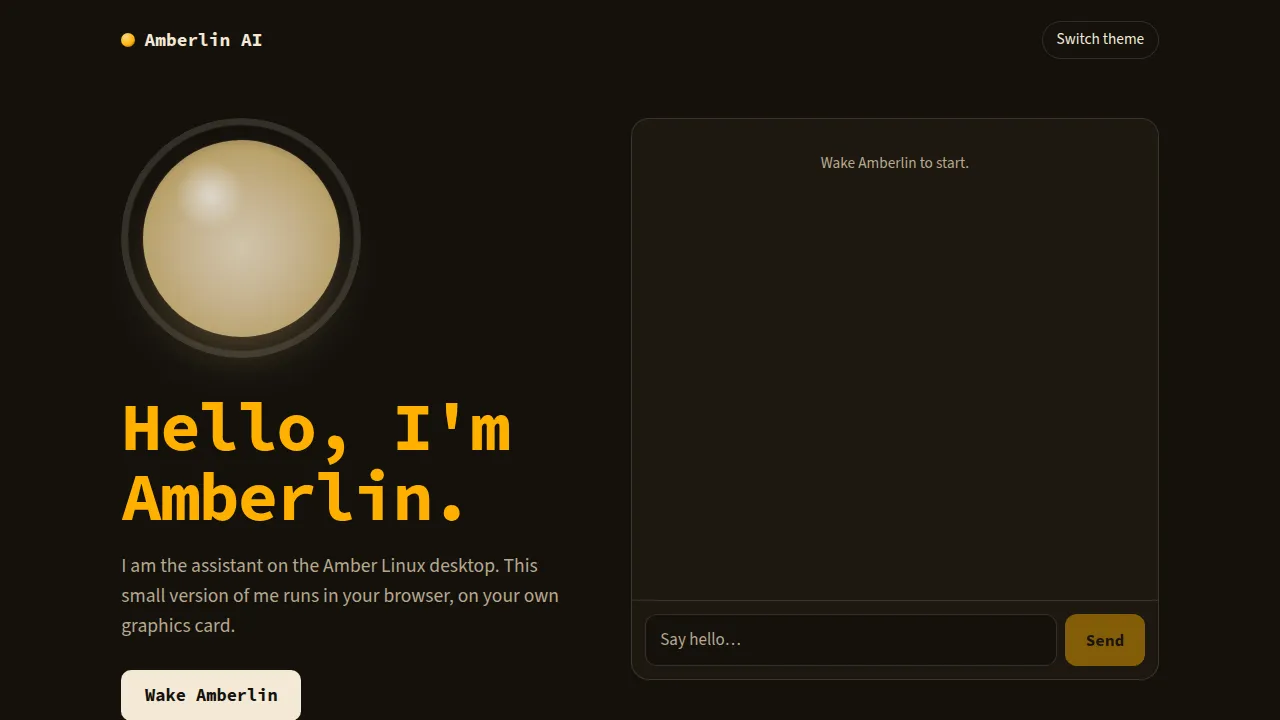
Amberlin's own page on the web: a small model says hello right there in your browser, on WebGPU where the browser has it, and nothing you type leaves your device.
A story file is a story in plain text with a few lines that start with two dashes: this is the scene, this is a picture, read this line aloud in this voice. Acue is a suite of three tools that read story files.
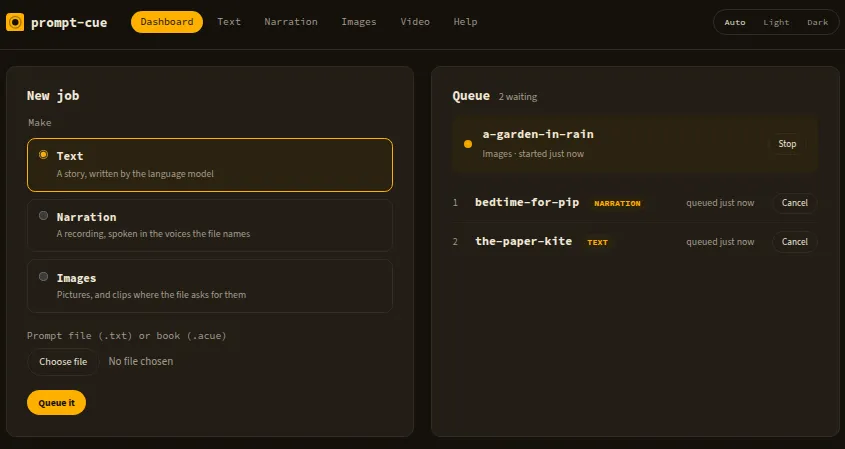
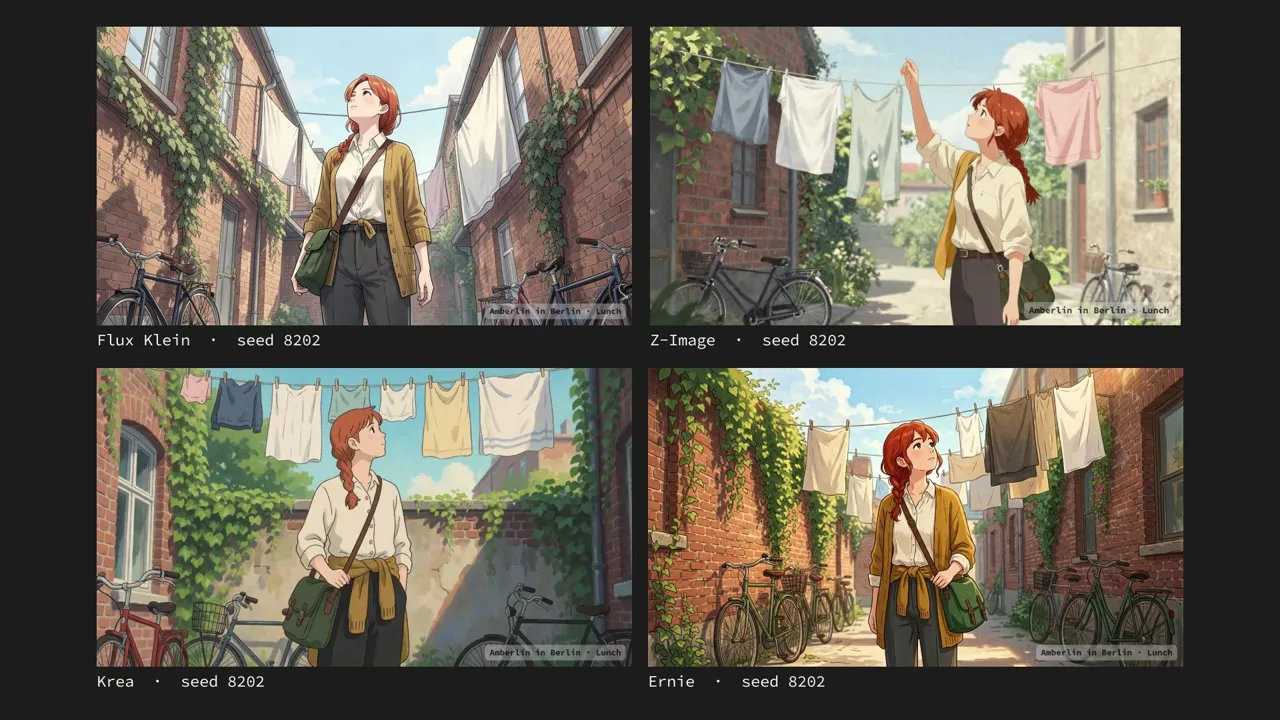
acue studio is a small server with a dashboard in the browser. Drop a file on it, and it sends each request to the model servers you point it at and keeps what comes back: text, pictures, a narration, short clips. The acue book maker drives the image and music servers on your own graphics card and turns a folder of story files into an illustrated book with a soundtrack. It is where you compare image models: its profiles switch Forge Neo from one model to another the same way every time, and a proof lays the results side by side. Once one is chosen, acue studio refines the story against that fixed model stack, often on another machine. amber-acue is the format itself, with the reader both of them share and the editor support that marks a wrong line as you type.
A finished book is one .acue file, and Pinax in Amber Linux is where you read it.
A small server and a browser dashboard that turn story files into text, pictures, narration and clips, using the model servers you point it at, and keep each result as a bundle on disk.
A terminal book maker for the image and music servers on your own graphics card, Forge Neo, Stable Audio and ACE-Step: it compares image models through profiles, proofs them side by side, and turns story files or a folder of photos into a book with a soundtrack, songs or narration.
The story language: the one reader acue studio, the acue book maker and Pinax share, the .acue book that acue studio and the book maker write, and editor support that marks a wrong line as you type. An Odin library and a C library.
PDF, 50 pages, 0.7 MB. The acue book maker from the first picture to a finished book, and how to write a picture story and its soundtrack.
SHA-256 82329b7185b57a68819cecd3287b76c63ec36a4cfc9babc2235c5797dcf1ea82.sha256
.acue, 21 MB. Michelle in Paris: one day in four chapters of four pictures, drawn by Z-Image, with two example desktop themes inside. Pinax opens it.
SHA-256 8dab989cfdd535553531ec0ea6ae735b2ab9846b8e030b2e69296a0216a56d3e.sha256
PDF, 24 pages, 14 MB. The same day drawn by four models side by side, as acue prints a proof.
SHA-256 3d219ae4abb983bfebc02f83e8b795fc52e566663603823d159ae550849f935a.sha256
To check a download, put it and its .sha256 in one folder and run sha256sum -c on the checksum file; it prints the file's name and OK.
Most of the talking goes over the session bus, the per-user message bus every Linux desktop already runs. The few services that speak HTTP answer only on this machine, on 127.0.0.1, unless you point them somewhere else.
Most of it is written in Odin, built with the compiler from amber-odin; the tool server, the calendar and the inspector are Go.