amberlin-calendar
Your Google Calendar on the session bus, read and written with the account GNOME already holds: no sign-in flow of its own, no Cloud project, no token to look after.
- Status
- Working; not offered to the model yet
- Package
- amberlin-calendar
- Licence
- AGPL-3.0-or-later
- Built with
- D-BusGNOME Online AccountsGo
- Part of
- Amberlin AI
- Source
- amberlin-calendar
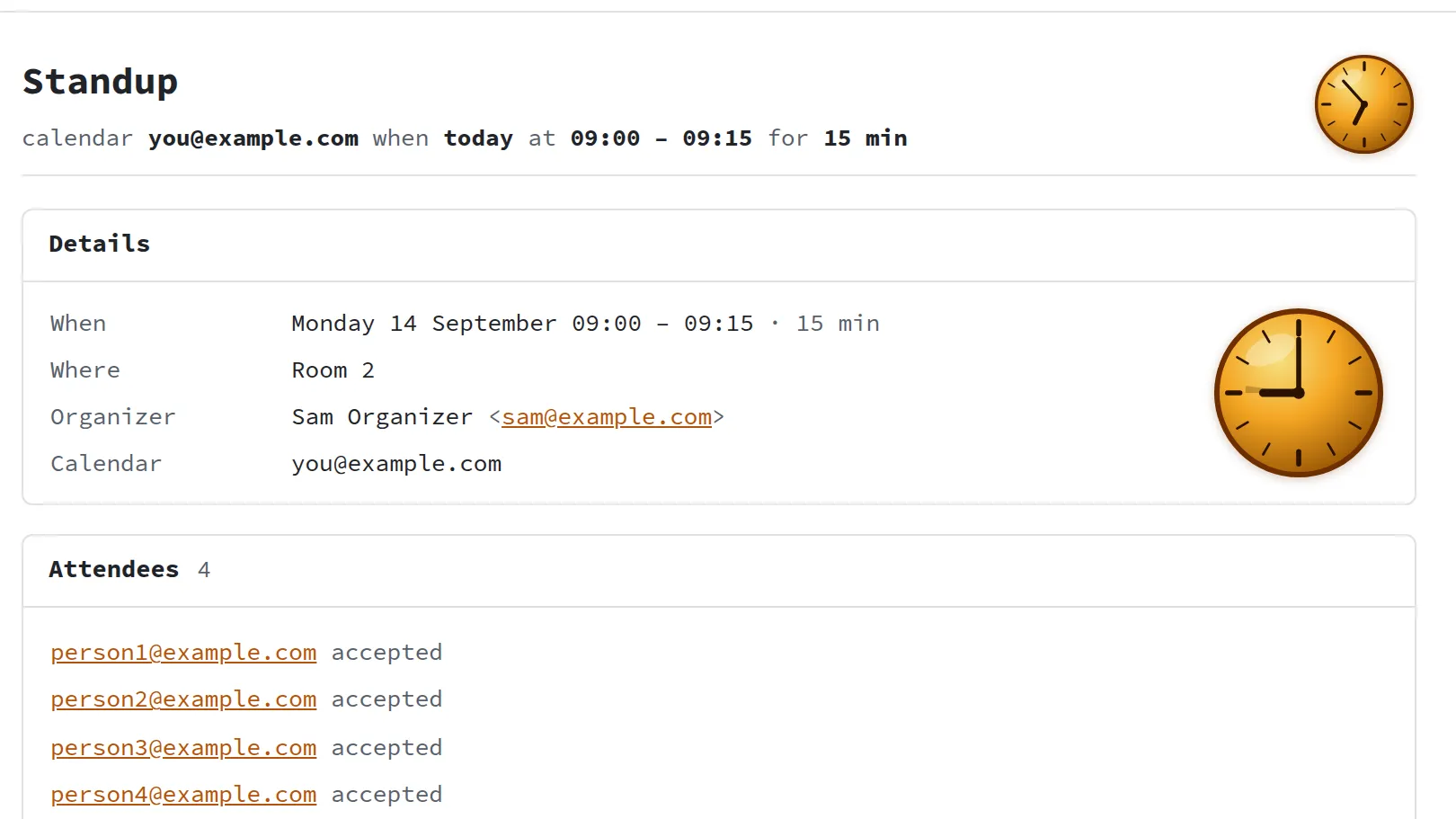
amberlin-calendar puts a Google Calendar on the session bus: list, create, change and delete events, and a signal when something changes. It uses the Google account you have already added in GNOME Online Accounts, so there is no sign-in of its own, no Google Cloud project and no refresh token to keep. The account needs calendar access, not read-only; with read-only, writes fail.
Each calendar is polled every five minutes with Google’s sync tokens, so only
what changed is fetched. Event bodies pass through as Google sends them rather
than being squeezed into a model of the service’s own. Changing an event sends no invitations unless you ask
it to. A read-only page at http://127.0.0.1:5192/ shows the events, what came
in, and the API, and it answers only on this machine.
It is not offered to the language model yet: the broker takes one tool server today, and adding the calendar beside amberlin-tools is on its list. For now, programs on the desktop can use it directly, and kat800’s Doctor checks it is running.
It leaves some things out on purpose, to stay small: there is no local cache of events, no other calendar provider, and no push notifications from Google.
It has to run inside your desktop session with the keyring unlocked. Starting at login takes care of both.
Install
Once the Amber Linux archive is set up (it takes three commands, on the packages page):
sudo apt install amberlin-calendar